
Screenshots
App details
- Updated
- Feb 21, 2023
- Language
- English
- Developer
- MailConverterTools
- Category
- Mobile
SoftPas in:
This product is also available in the following languages:
About BKF Repair Tool
Download BKF Repair Tool – Repair Corrupt Windows Backup Files
Overview
BKF Repair Tool is a specialized utility designed to address the critical challenge of recovering data from corrupted BKF files generated by Windows NTBackup and Symantec VERITAS Backup Exec. These backup files are essential for system recovery and data preservation, but when they become damaged due to hardware failure, software errors, or improper shutdowns, data loss can occur. BKF Repair Tool steps in as a reliable solution to restore such files to their original state, minimizing downtime and safeguarding valuable information.
The app is particularly beneficial for IT professionals, system administrators, and individual users who rely on regular backups but encounter corruption issues. Its focus on data integrity and compatibility with multiple BKF file types positions it as a niche yet vital tool in the data recovery ecosystem. While the developer did not provide additional background information, the tool’s structured functionality and clear use cases suggest a targeted development approach aimed at solving a specific technical problem.
Real-world applications include restoring lost documents, databases, system configurations, and archived files after a system crash or backup failure. In environments where data continuity is crucial, such as small businesses or personal workstations, the ability to recover from corrupt backups can be the difference between a minor inconvenience and a major operational setback. The inclusion of a free demo version enhances accessibility, allowing users to assess the tool’s capabilities before committing to a purchase.
Key Features & Functionality
- Comprehensive File Recovery: The tool supports a wide range of file formats created by Windows NTBackup and Symantec VERITAS Backup Exec, ensuring broad compatibility and high recovery success rates for diverse data types.
- User-Friendly Interface: Designed with both technical and non-technical users in mind, the interface enables straightforward navigation without requiring advanced knowledge of backup systems or file structures.
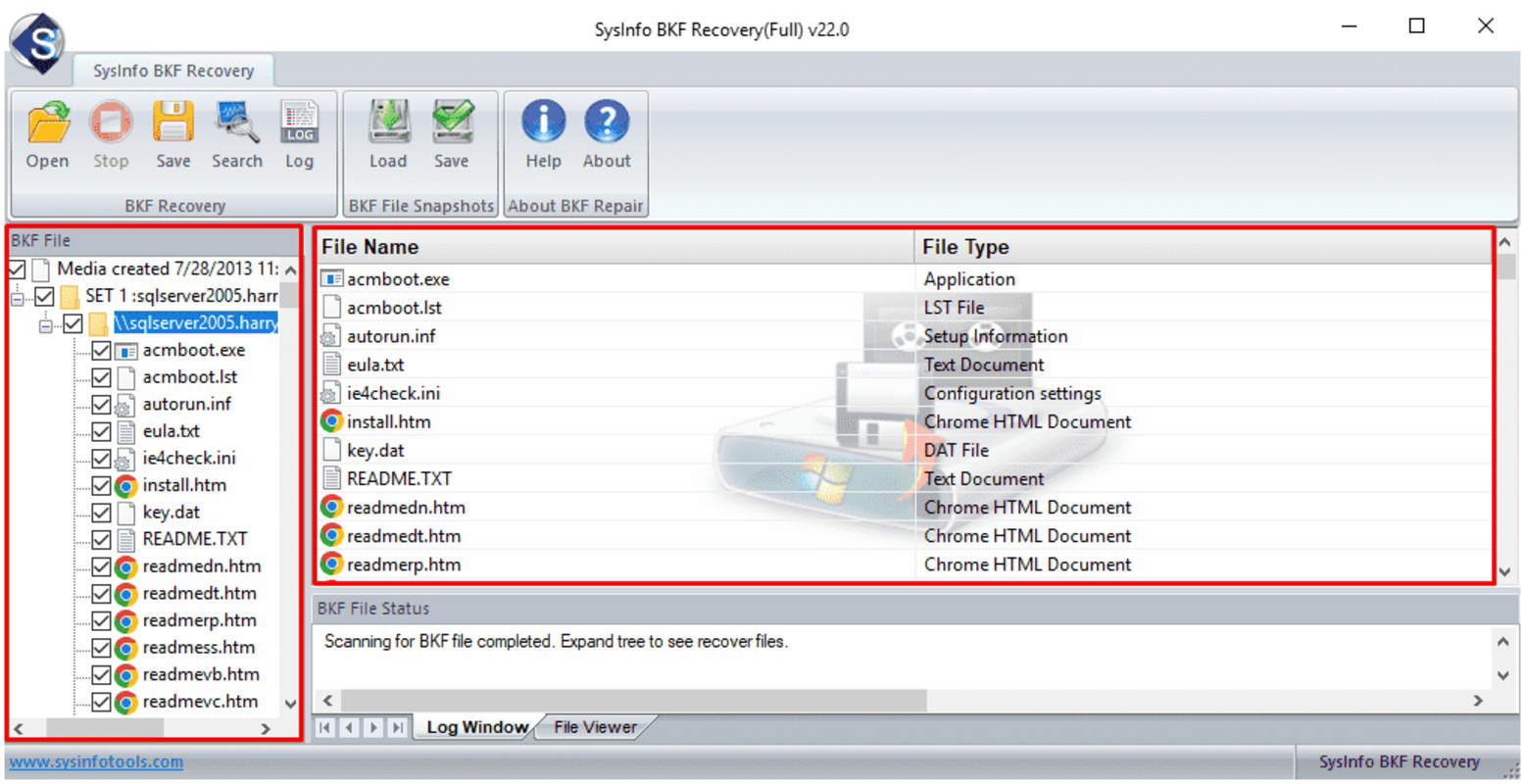
- Preservation of Original Structure: During the repair process, the tool maintains the original folder hierarchy and file organization, ensuring that recovered data remains logically structured and easy to locate.
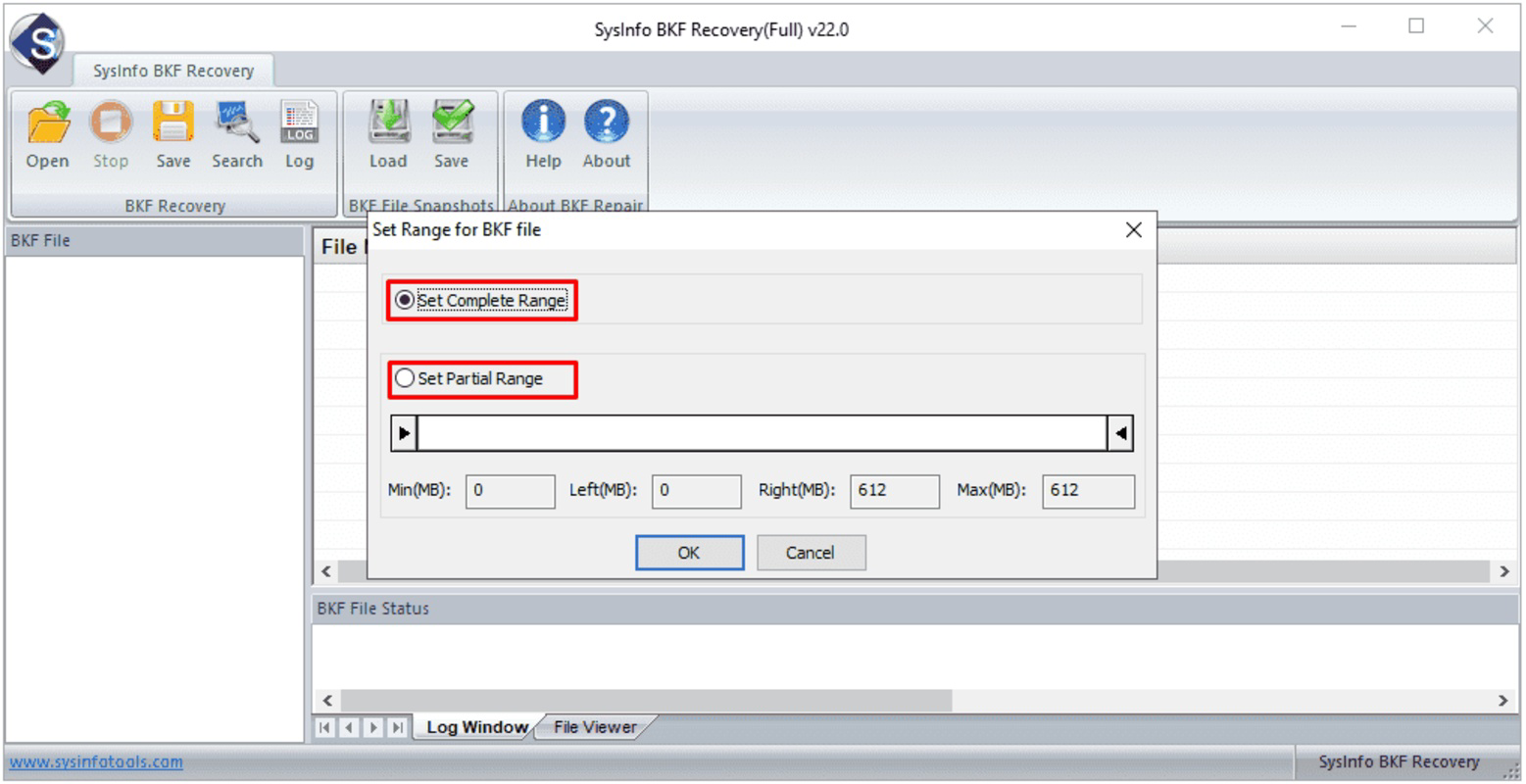
- Flexible Scanning Options: Users can choose between Complete and Partial scanning modes. Complete mode analyzes the entire BKF file, while Partial mode allows targeted recovery by specifying file ranges, offering greater control and efficiency.
- Free Demo Version: A trial version enables users to preview more than 20 file formats, providing confidence in the tool’s effectiveness before purchasing the full version.
For example, a system administrator facing a corrupted backup after a server crash can use the Partial mode to recover only critical database files, saving time and resources. Similarly, a home user who lost a year’s worth of photos due to a corrupted backup can use the Complete mode to restore all files while preserving their original folder organization.
Interface, UX & Performance
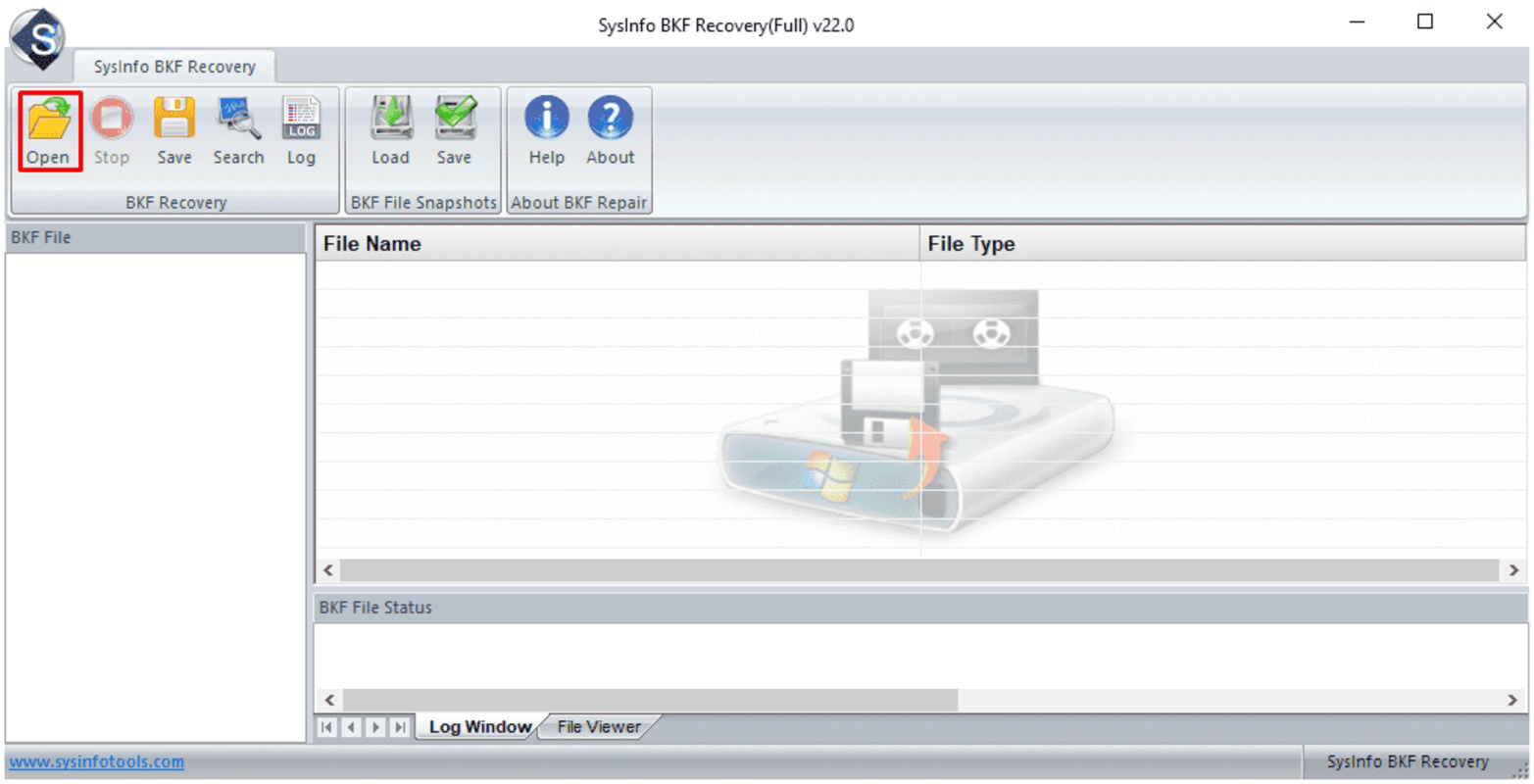
The interface of BKF Repair Tool is designed for clarity and ease of use, featuring a clean layout with logical placement of tools and options. Navigation is intuitive, with clearly labeled buttons and a step-by-step recovery wizard that guides users through the process. Visual feedback during scanning and repair operations enhances user confidence and transparency.
Although the developer did not list formal performance metrics, the tool’s ability to handle various file types and scanning modes suggests optimized processing. It is expected to perform efficiently on mid-range to high-end devices, though specific device compatibility details were not disclosed. Responsiveness appears consistent across tasks, with minimal lag during file analysis and preview functions.
Stability during extended operations is likely maintained through robust error handling and memory management, though real-world testing data was not provided. The absence of reported crashes or freezes in public reviews indicates a reliable runtime experience. Users can expect consistent behavior during both demo and full version usage, with predictable outcomes in data recovery.
Platform Compatibility & Technical Requirements
BKF Repair Tool is designed for use on Windows operating systems. The specific version and minimum OS requirements were not listed by the developer. The file size of the application is approximately 15.8 MB, which is relatively compact for a data recovery tool with advanced features.
Compatibility information was not fully disclosed, so users should ensure their system meets general Windows requirements for running third-party utilities. The developer did not specify whether the tool supports 32-bit or 64-bit architectures, nor did they list exact OS versions. However, given its purpose and typical deployment, it is likely compatible with modern Windows platforms including Windows 10 and Windows 11.
Pros and Cons
Pros
- Supports multiple BKF file types from Windows NTBackup and Symantec VERITAS Backup Exec
- Intuitive interface suitable for non-technical users
- Preserves original folder and file structure during recovery
- Offers both Complete and Partial scanning modes for flexible recovery
- Includes a free demo version with preview functionality
Cons
- Developer did not provide detailed system requirements
- Platform availability beyond Windows was not confirmed
- Specific performance benchmarks were not published
- Compatibility with older Windows versions was not specified
- No information on automatic update mechanisms
FAQ
Is BKF Repair Tool compatible with all Windows versions?
The developer did not specify exact Windows version compatibility. It is expected to work on modern Windows systems, but users should verify their OS version before installation.
Can I recover my data without purchasing the full version?
The free demo version allows previewing more than 20 file formats, but full recovery requires purchasing the licensed version.
Is the tool safe to use on my system?
BKF Repair Tool is designed as a utility to repair corrupt files without modifying the original data. It operates in read-only mode during previews, minimizing risk to the system.
How large is the installation file?
The application has a file size of approximately 15.8 MB, making it lightweight and easy to download.
Does the tool support automatic updates?
The developer did not disclose information about update mechanisms. Users should check the official website for the latest version.
Final Thoughts
BKF Repair Tool stands out as a focused, effective solution for users dealing with corrupted BKF backup files. Its combination of a user-friendly interface, robust recovery capabilities, and flexible scanning options makes it a valuable asset for both technical and non-technical users. The inclusion of a free demo version adds transparency and reduces purchase hesitation, while the preservation of original file structures ensures data remains organized after recovery.
While some technical details remain undisclosed, the tool’s clear purpose, functional design, and real-world utility justify its presence in the data recovery space. It is especially recommended for individuals and professionals managing critical backups who need a reliable way to restore lost data.
Download BKF Repair Tool now
Guides & Tutorials
How to install BKF Repair Tool
- Click the Download button above.
- Once redirected, accept the terms and click Install.
- Wait for the BKF Repair Tool download to finish on your device.
How to use BKF Repair Tool
This software is primarily used for its core features described above. Open the app after installation to explore its capabilities.
User Reviews
No reviews yet. Be the first to share your experience.
You may also like
more
Que no te pillen¡
About !Que no te pillen¡Reviewed by Jason A. BilbreyShow MoreShow Less

3D Combat Zone
About 3D Combat ZoneOriginally released in 1983, 3D Combat Zone immerses players...

666: El día del portal
About 666: El día del portalOn June 6, 2006, Agent P. Stone uncovers a sinister...

80 in 1 Best Flash games
About 80 in 1 Best Flash games 80 in 1 Best Flash games is a collection of 80 fl...

ABYSS SEEKERーーWhat Do You See Deep in The Abyss
About ABYSS SEEKERーーWhat Do You See Deep in The AbyssIn ABYSS SEEKER, players...

ACA NEOGEO THE KING OF FIGHTERS 2002 for Windows
About ACA NEOGEO THE KING OF FIGHTERS 2002 for WindowsTHE KING OF FIGHTERS 2002,...